Table of Contents
AI browsers are changing the way people use the internet in 2026. And honestly, it is about time.
For years, we all did the same thing. We typed a few words into a search bar (Google, Bing, DuckDuckGo, Yandex) and got a long list of links back. Then we clicked through several pages just to find one simple answer. Sometimes we still came back empty-handed. It was a slow and time-wasting process.
AI browsers fix that. Instead of showing you links, they actually understand your question and give you a direct answer. It feels more like asking a knowledgeable friend than using a search engine. So let’s get into what these browsers really are and why so many people are switching to them.
What Is an AI Browser?
An AI browser is a web browser that can help you find any information, answer questions, and get things done faster by using its own AI (artificial intelligence) system. It is not just a regular browser with a chatbot added on top. Instead, the AI is built into the whole experience.
When you open an AI browser and type a question, it does not just search the web. It actually reads and understands your question. Then it pulls together information from multiple sources and gives you a clear, simple answer. You do not have to dig through ten different websites anymore.
Here are some AI browsers that can also do other things, such as:
- Summarize long articles in just a few seconds
- Help you write emails or messages while you browse
- Remember your past searches and give better results over time
- Answer follow-up questions without you starting all over again
- Generate high-quality images within a single prompt
Furthermore, many of these browsers are improving every month. They learn from how people use them. So, the more you use an AI browser, the more useful it becomes for you personally.
Old Browsers vs AI Browsers: What Is Really Different?
To understand why AI browsers matter, it helps to look at how they are different from the browsers we have used for years.
Older browsers like Chrome, Opera, or Firefox are basically tools for loading websites. You type something in, and they show you a list of pages that might have your answer. The browser itself does not really understand what is your question. It just matches your words to other websites that contain those same words. That is why sometimes you search for something simple and still get results that make no sense.
AI browsers, on the other hand, actually understand what you mean. They use language models to read your question the way a human would. So, instead of matching keywords, they match meaning. That is a big difference.
Here is a simple comparison:
| Feature | Older Browsers | AI Browsers |
| What You Get | A bunch of links to click through | A clear, direct answer right away |
| Your Effort | You have to dig and search yourself | It does the hard work for you |
| Personal Touch | Same results for everyone | Gets better the more you use it |
| Asking More | You have to start over each time | You can keep asking and it follows along |
Of course, Older browsers are not completely gone. Many people still use them. But for everyday searching, AI browsers are simply faster and easier.
What Are the Uses of AI Browsers?
AI browsers are useful in many everyday situations. They are not just for tech people or researchers. Anyone who uses the internet regularly can benefit from them.
For students, AI browsers make studying much easier. Instead of reading five different articles to understand one topic, you can ask the browser to explain it to you in simple words. It saves a lot of time.
For working professionals, these browsers help with research, writing, and planning. You can ask the browser to summarize a report, compare two ideas, or help you draft a message. Because of this, many people are finishing tasks much faster than before.
Here are some common uses:
- Need a quick answer about your health, money, or a legal matter? Just ask and you get a clear response in seconds
- Planning a trip? Ask about hotels, the best routes, or what to do when you get there
- Want to buy something? Compare products and check reviews without opening ten different tabs
- Trying to learn something new? Ask for a simple step-by-step explanation and it walks you right through it
In addition, AI browsers are good for people who are not comfortable with technology. There are no special tricks to learn. You just type your question the way you would say it out loud, and you get an answer. It really is that simple.
Why Should You Use AI Browsers?
So, should you actually switch to an AI browser? For most people, yes. But before you do, it is fair to ask about security too. Let us talk about both.
Save Your Time
AI browsers get straight to the point. You ask something, you get an answer. No more clicking through five different websites just to find one useful thing. If you spend a lot of time online, this alone makes a big difference.
Less Frustration, Better Results
We have all had that moment where we search for something simple and get completely useless results. AI browsers actually understand what you are asking. So the results make sense, and you find what you need much faster.
It Keeps Getting Better
The more you use it, the smarter it gets. Over time, it starts to understand what kind of answers you prefer. That means better results with less effort on your end.
Your Privacy Is in Your Hands
Yes, AI browsers do collect some data to work properly. But most good ones give you privacy settings so you can control what is saved and what is not. Many of them also do not sell your data to advertisers, which is more than you can say for some older search engines.
Just Be a Little Careful
No browser is perfect. It is always a good idea to check the privacy policy before you start using one. Stick to well-known, trusted browsers and avoid sharing sensitive personal details online, no matter which browser you use.
At the end of the day, a good AI browser is a safe and helpful tool. The benefits are real, and for most people, they far outweigh any concerns.
5 Real AI Browsers You Should Know About
Here are five AI browsers that real people are using right now. Each one does things a little differently, so let’s take a look at what they offer.
#1. ChatGPT Atlas
Most of us already use ChatGPT for one thing or another. So when OpenAI decided to build a full browser around it, people paid attention. ChatGPT Atlas is not just a regular browser with a chatbot added on the side. The AI is at the center of everything. You browse, ask questions, get answers, and get things done, all in one place. It launched in late 2025 and has been growing fast ever since. For anyone already living inside ChatGPT, this browser just makes sense.
Key Features:
- No traditional search bar. You type your question and ChatGPT finds the answer for you
- Summarizes any page you are reading in just a few seconds
- Can take actions for you, like booking things or filling out forms
- Remembers context across tabs so you do not have to repeat yourself
- Free to use, with extra features for paid subscribers
#2. Perplexity Comet
Perplexity made a name for itself as an AI search engine that gives you direct answers instead of a list of links. Then they took things one step further and built a whole browser around that idea. Comet is the result, and it is genuinely impressive. It feels less like a browser and more like having a helpful assistant sitting next to you while you work. The good news is that it is now free to download for everyone, so there is no reason not to try it.
Key Features:
- AI assistant is always there on every tab, ready to help
- Summarizes long articles and pages so you do not have to read everything
- Can book flights, manage emails, and fill forms on your behalf
- Lets you ask follow-up questions without starting over
- Has a built-in ad blocker on mobile versions
#3. Opera Aria
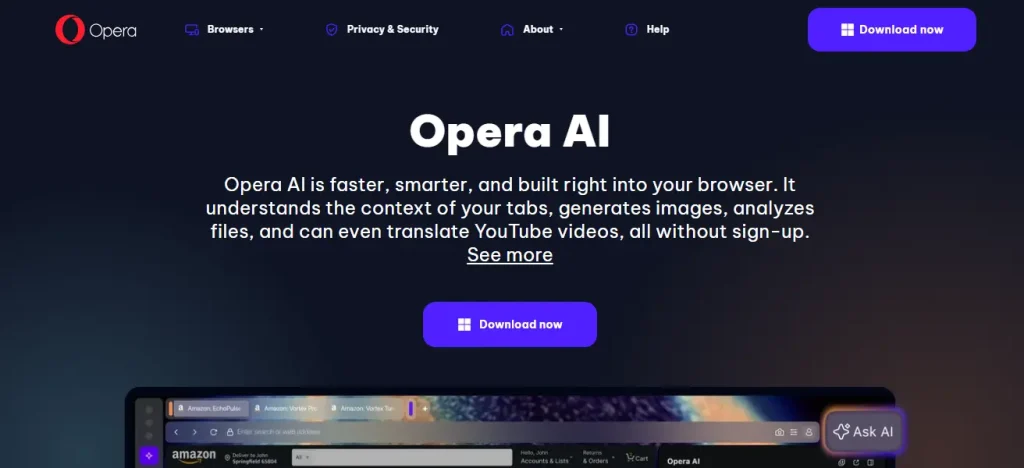
Opera has been around for decades, and a lot of people still use it. So instead of building a brand new browser, Opera added AI directly into what it already had. The result is Aria, Opera’s built-in AI assistant. It lives in the sidebar and helps you while you browse without getting in your way. Opera also comes with a free built-in VPN and ad blocker, which is something most other browsers do not offer out of the box. If you want AI features without switching to something completely new, Opera is a comfortable choice.
Key Features:
- Aria sits in the sidebar and answers questions as you browse
- Helps with writing, searching, and explaining things on any page
- Built-in free VPN for extra privacy
- Built-in ad blocker so pages load cleaner and faster
- Works on both desktop and mobile
#4. Microsoft Edge Copilot Mode
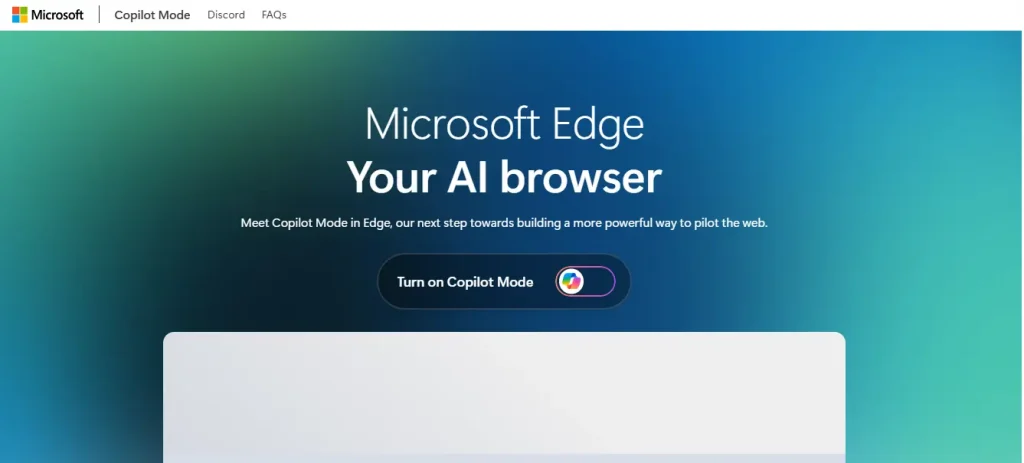
If you use a Windows computer, you already have this browser installed. Microsoft Edge has had Copilot built into it for a while now, and it has gotten much better over time. It is a great option for people who are not looking to switch browsers but still want AI help while they work. Copilot sits on the side of your screen and helps you with whatever you are doing. It also connects with other Microsoft tools you might already use, which makes it even more useful for everyday work tasks.
Key Features:
- Highlight any text and ask Copilot to explain, summarize, or rewrite it
- Helps you draft emails and documents without leaving the browser
- Connects with Microsoft tools like Word, Outlook, and Teams
- Compare products and get quick shopping advice while you browse
- Already installed on most Windows computers, no extra setup needed
#5. Brave Leo
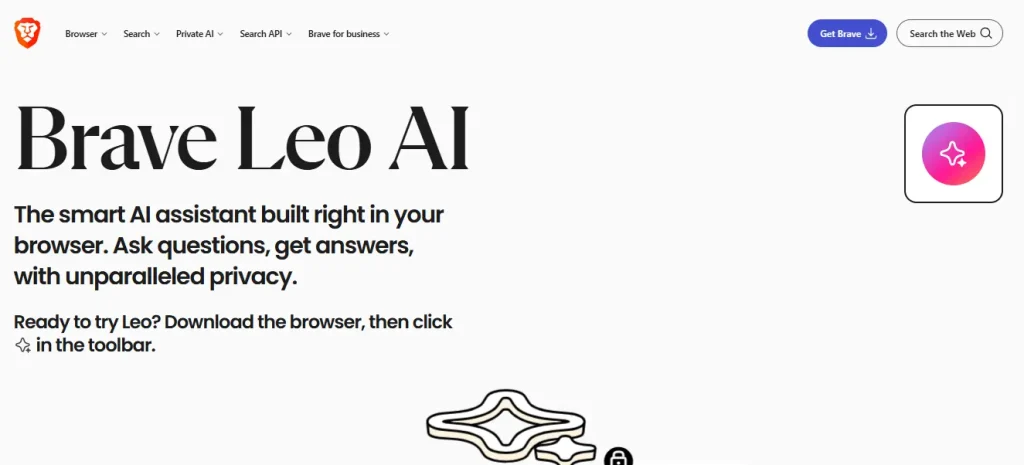
Brave has always been the browser people choose when they care about privacy. And Leo, its built-in AI assistant, follows that same thinking. Most AI browsers collect data about how you use them. Brave Leo does things differently. Your conversations are not saved, and they are not used to train AI models. So you get all the benefits of an AI browser without giving up your personal information. If privacy matters to you, this one is hard to beat.
Key Features:
- AI assistant built in with no data saved from your conversations
- Summarizes pages and answers questions without tracking you
- Helps with writing tasks directly inside the browser
- Strong built-in ad and tracker blocker
- Free to use with optional paid plans for more advanced AI models
Final Thought
Honestly, the way we use the internet is changing. It is not something that is coming in the future. It is already happening right now, in 2026.
AI browsers are not just a trend. They are becoming the new normal. And the best part is that most of them are free to try. You do not need to be a tech expert to use one. You just open it up, ask what you need, and it does the work for you.
Whether you want speed, privacy, or just less hassle, there is an AI browser that works for you. Some people will go with ChatGPT Atlas because they already love ChatGPT. Others will pick Brave Leo because privacy comes first for them. And many will choose Perplexity Comet because it makes reading and research so much easier.
The point is simple. You have good options now.
If you are still using an older browser and doing everything the slow way, just pick one from this list and try it for a week. You might be surprised how much easier things feel. And honestly, most people never go back.